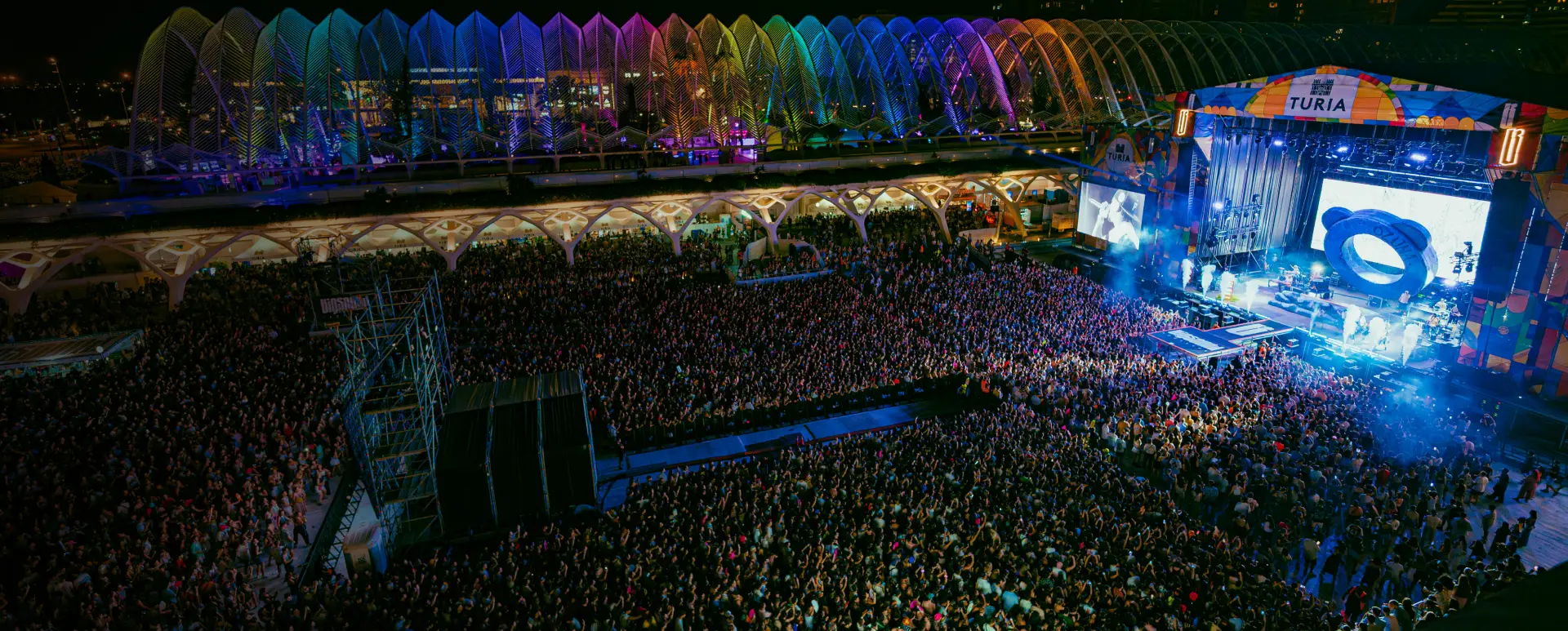
You have a festival with 8,000 attendees. You want to reach 12,000 at the next edition. The problem is not the advertising budget — it is that you do not know who to target. You can aim at generic interests (“music”, “festivals”, “nightlife”) and hope Meta interprets them correctly. Or you can tell Meta exactly what the people who already come to your festival look like and ask it to find more people just like them.
Lookalike audiences for events are the second approach. And the efficiency difference is significant enough to make it worth understanding how they work.
The most direct analogy: it is like telling a friend who knows half the planet “hey, I like open-air electronic music festivals with an international lineup and a family-friendly atmosphere. Do you know anyone like that who might be interested in mine?” Except that friend is Meta, and instead of knowing a few people, it has access to behavioral data from more than three billion users.
You give Meta a list of your current attendees — the file you can export from your ticketing platform or from your CRM for events — and Meta builds the profile of those people: what pages they follow, what they buy online, what type of content they consume, what events they have marked, how often they travel. Then it searches through all its users for those who most resemble that profile. The result is your lookalike audience: a group of people who do not know your festival yet, but who have a high probability of liking it.
The logic behind this does not require any knowledge of algorithms. If the people who already come to your festival are mainly women between 25 and 35 who follow certain artists and buy concert tickets three months in advance, Meta can find millions of people with exactly that profile in any country where you want to grow.
What makes this different from interest-based targeting is precision. When you target by interests, you are making assumptions about who your audience is. When you use a lookalike built from your own attendee data, you are starting from who they actually are.
Your CRM already has the data to build it — you just need to export it
This is where most promoters stop. They think they need something special to create a lookalike audience: a marketing team, an agency, a sophisticated system. They do not.
What you need is a list of emails from your attendees. That is all Meta needs as a starting point.
What data works as a source
The best source is emails from people who bought a ticket in the last two or three years. The more editions you have, the better: someone who bought tickets for three different editions carries more weight in the algorithm than someone who only bought once.
Phone numbers also work, although emails tend to give better match rates because people more commonly use the same email on Meta as they do for purchases.
Where that data is right now
Your ticketing platform has it. Almost all ticket sales platforms (Tixalia, Fever, Resident Advisor, Eventbrite, and similar tools) allow you to export the buyer list with email addresses. It is usually an “export” button in the event management panel.
If you have run several editions, you will have multiple files downloaded at different times. The preliminary work is merging them into a single file without duplicates. It is a manual step that cannot be avoided if your data is not centralized, but you only have to do it properly once.
If you use an event-specific CRM with Meta integrations, this process is automated: data flows from the ticketing platform to the CRM and from the CRM to Meta Ads without manual exports. But even if you do it by hand, the process works.
The file Meta needs
A CSV with a single column of email addresses, no special headers, no additional data. Meta compares it against its database and creates the custom audience from which it will then generate the lookalike.
The process has two phases: first you create the custom audience (your actual list), then you create the lookalike from it.
Phase 1: upload your list as a custom audience
- Go to Meta Ads Manager and navigate to the “Audiences” section (in the tools menu).
- Click “Create audience” and select “Custom audience.”
- Choose “Customer list” as the source.
- Upload the CSV with your attendees’ emails. Meta will take between 30 minutes and a few hours to process it.
- Once processed, you will see the match rate: how many emails from your list it found in its database. A 40–60% match is already a good result for festival lists.
This custom audience can already be used directly for remarketing to people who know your festival. But the interesting part for reaching new attendees comes in the second phase.
Phase 2: create the lookalike
- With the custom audience already created, click “Create audience” again and select “Lookalike audience.”
- Choose the custom audience you just created as the source.
- Select the country or countries where you want to find similar people.
- Choose the size of the similar audience: Meta gives you a scale from 1% to 10% of the population. 1% is the most similar to your source (higher precision, smaller size). 5–10% is broader (greater reach, lower precision).
- Create the audience. Within 24–48 hours it will be ready to use in your campaigns.
What size to choose
Start with 1–2% for direct conversion campaigns (ticket sales). These are the people most similar to your attendees and they typically have the best conversion rate. For awareness or remarketing campaigns you can expand to 3–5%.
Not all lookalike audiences are equal. The result you get depends directly on the quality of the source you use.
The most common mistake: using the full list
If you upload all 8,000 emails of everyone who ever bought a ticket, you are mixing very different profiles: fans who have been with you for five editions, people who came once and never returned, people who bought for a friend. Meta builds the average profile of all of them, which ends up being a diluted profile.
The result is a technically valid lookalike audience, but not an optimized one. You will reach many people who may not connect with your festival.
The approach that works better: segmented sources
Divide your list before uploading it. The three types of source that deliver the best results for festivals:
Loyal fans (3 or more editions). This is the highest quality source available. These are the people who value your specific festival the most. A lookalike built from them reaches profiles with a high probability of connecting with what makes your event unique. It tends to have the highest cost per conversion initially, but the purchase rate and long-term return rate far outperform the other approaches.
Buyers from the last two years. A reasonable middle ground when you do not have enough loyal fans to build a robust source (you need at least 1,000 people on the list). This is the standard source for most festivals just beginning to work with lookalikes.
People who completed a purchase in the last 30 days. Useful when you are in an active presale period. These people have high recent purchase intent and the lookalike reaches profiles with a similar pattern of impulsive or advance-planned buying behavior.
The audience segmentation for festivals you apply in your email campaigns has its direct equivalent here: the more precise the source, the more precise the lookalike.
Expected results and how to measure whether it works
The most common question after launching a lookalike campaign is how long to wait before knowing if it is working. The honest answer is that the first relevant data appears within 72 hours, but you need at least two weeks to draw firm conclusions.
Which metrics to look at
The first thing you look at is not the cost per ticket sold. That number comes later. What you look at in the first few days are the quality of the early signals:
Click-through rate (CTR) vs your untargeted advertising. If your standard interest-based advertising has a CTR of 0.8%, a well-built lookalike campaign should exceed 1.2–1.5%. If it does not, there is something wrong with either the ad creative or the source quality.
Cost per click (CPC). Typically lower in quality lookalikes because the audience is more relevant and Meta penalizes less the ads that generate interaction.
On-site conversion rate. The percentage of people who arrive at the purchase page and actually buy. Compare this number between your lookalike traffic and the rest. A 20–40% difference in favor of the lookalike is normal if the source was good.
The most important indicator nobody looks at
The return rate in the next edition of people acquired via lookalike compared to those acquired through other channels.
If the attendees who arrived via a loyal fan lookalike return at a rate of 35% and those who arrived via generic advertising return at 15%, you have your answer about which type of lookalike audience is worth scaling.
Your festival analytics gives you that longitudinal view that Meta metrics alone cannot show. The real ROI of a lookalike audience is not in the CPC — it is in whether those people become recurring attendees.
The cycle you should build
Over time, the process becomes circular and self-reinforcing: each new edition generates more attendee data, the data updates the custom audiences, and the lookalikes become more precise. Festivals that have been running this cycle for two or three years have significantly lower acquisition costs than those that still depend on interest-based targeting.
The first lookalike you create will be imperfect. That is normal. What matters is starting with the data you have now, measuring what works, and refining the source in the next edition.
The question worth asking this week: do you have your attendees’ emails from the last two years in one place from which you can export a CSV? If not, that is the first step. If yes, you already have everything you need to launch your first lookalike before ticket sales open for the next edition.
Frequently Asked Questions
What are lookalike audiences for events?
A lookalike audience for events is a list of people that Meta automatically generates by looking for profiles similar to your current attendees. You give Meta a list of your best fans, and the algorithm finds millions of people with similar tastes, age, online behaviors, and purchasing patterns. It is the most efficient way to find new attendees who are very likely to enjoy your festival.
How many contacts do I need to create a lookalike audience?
Meta recommends a minimum of 100 people in the target country to create a functional lookalike audience, but for the algorithm to work well you need at least 1,000 contacts. The ideal range is between 1,000 and 50,000 people. If you have fewer than 1,000, start with your loyal fan segment and expand it with all buyers from the last three years before attempting it.
Is it better to use loyal fans or all buyers as the source for the lookalike?
It depends on your objective. If you want to find people very similar to your best attendees (those who return, spend more, and bring friends), use only loyal fans as the source even if the list is smaller. If you want volume and quality is secondary, use all buyers. In general, a lookalike audience based on loyal fans has a higher cost per result but converts better in the long run.