
Nevent and WooCommerce
Automatically sync historic and current WooCommerce ticketing data to Nevent's CRM and marketing platform with no manual work necessary.
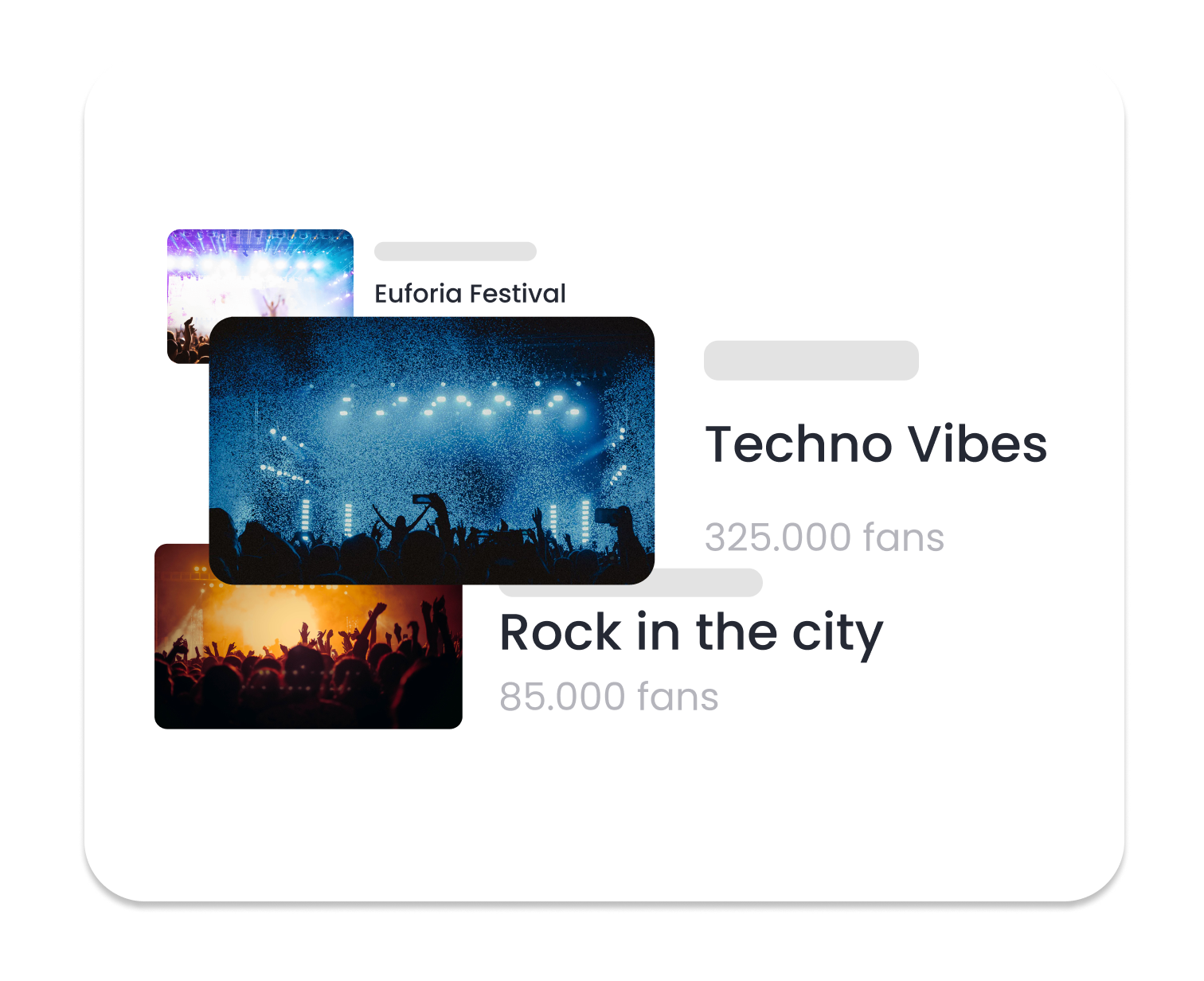
Connect your ecommerce data
Automatically sync historic and current WooCommerce sales data to Nevent's CRM and marketing platform with no manual work necessary.
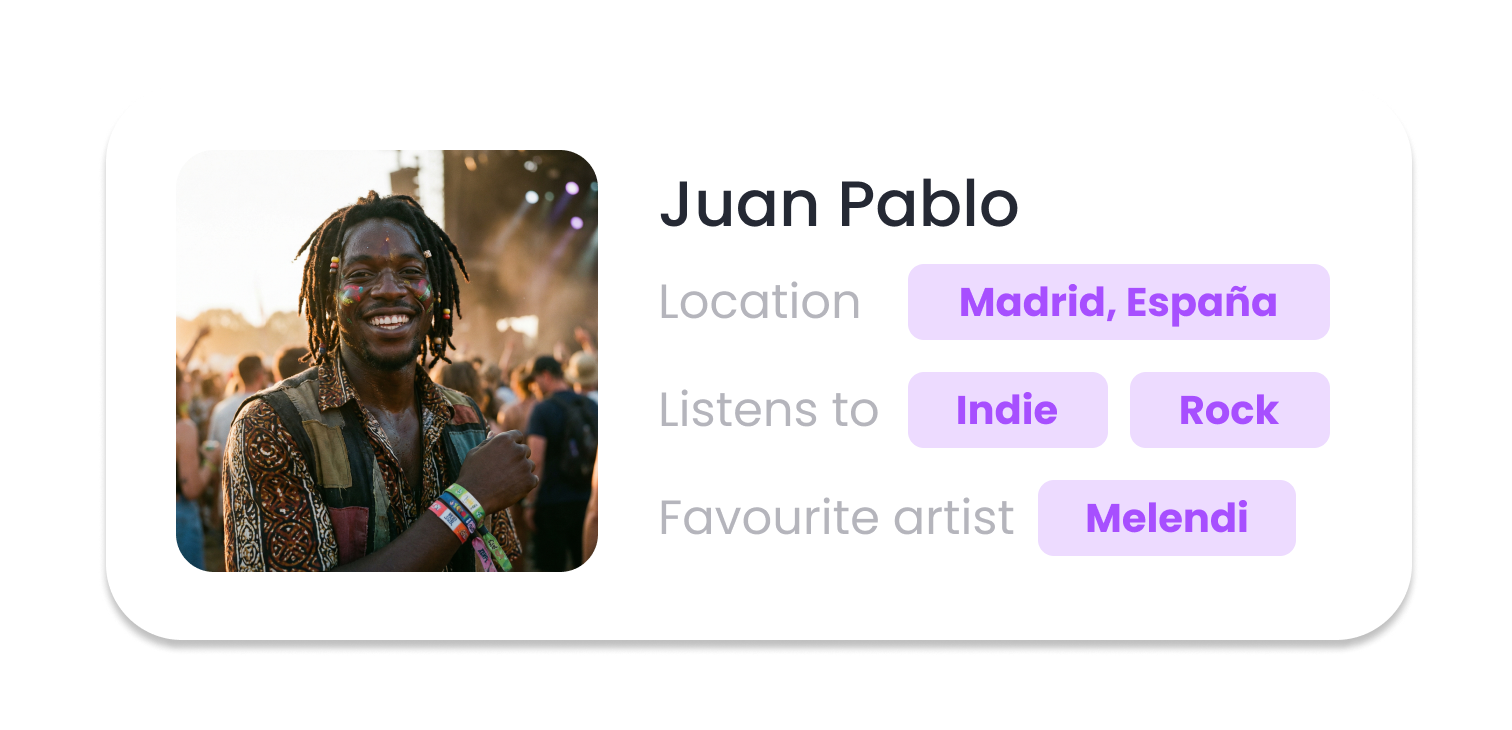
Create complete customer profiles
Automatically sync all your sales and customer data directly to Nevent. From here you can understand your customers on a deeper level, create detailed profiles, filter, segment, engage and grow your audience.

Email and SMS marketing for ecommerce
Put your WooCommerce data to use by filtering, segmenting and creating targeted email and SMS lists. With Nevent's native email and SMS builders, you can create branded messages, personalize them with dynamic content and optimize through A/B testing and automation.
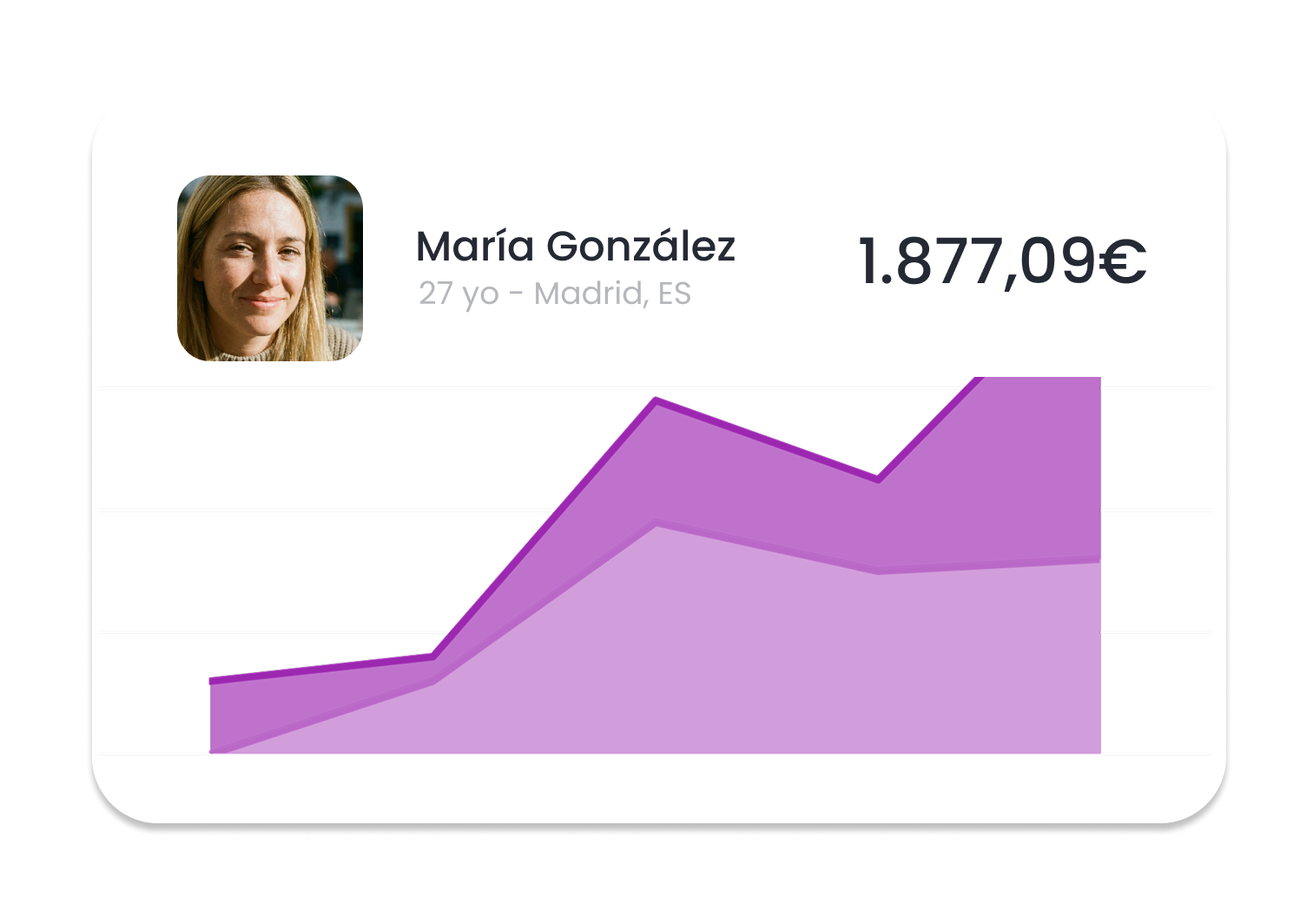
Attribute sales to marketing activities
Nevent enables you to track purchases directly back to marketing activities through the conversions feature. Discover the campaigns that drive conversions, and make smarter decisions with your marketing budget.
Integration in 4 steps
Connect WooCommerce with Nevent
Connect WooCommerce
Link your WooCommerce store with Nevent CRM from the integrations panel
Sync data
Automatically import sales, customers, products and abandoned carts in real-time
Segment audience
Create segments by purchase history, customer value and favorite products
Launch campaigns
Send AI-powered personalized emails and SMS to recover carts and increase sales
Join the thousands of events who love Nevent













Frequently Asked Questions
How to integrate WooCommerce with Nevent CRM?
The integration activates in 3 steps: 1) Connect your WooCommerce account from the integrations panel. 2) Authorize data access. 3) Synchronization begins automatically.
What data is synchronized from WooCommerce?
Product sales data, customer information, and transaction details are synchronized, including contact information, purchase history, and product preferences.
How much does the integration cost?
The integration is included in your plan up to the ticketing and store integrations limit of each tier: in Marketing and Experience, the Basic tier includes 1 integration and the Pro tier up to 3 integrations. For Revenue, Enterprise, or if you need more integrations, talk to our team.
Is the integration secure?
Yes, it is GDPR compliant. Data is transferred over encrypted connections.
Does it work in real-time?
Yes, synchronization is real-time: after an action in WooCommerce, the data reaches Nevent CRM with no manual work.

Grow your event here
Whether you want to sell more tickets or find new ways to engage loyal fans, we have all the tools you need.