
WhatsApp marketing for festivals and events
Learn how to use WhatsApp marketing for festivals and concerts. Practical guide with 5 use cases, comparison with email and SMS, step-by-step setup, and common mistakes promoters make.

Complete guide to push notifications for events: what they are, how they compare to SMS and email, the 5 moments where they're unbeatable, and how to implement them with or without your own app.
Picture this: 8,000 people at your festival. At 5:45 PM on Saturday, the headliner’s set on the secondary stage is delayed 45 minutes due to a technical issue. How do you get the word out in time? An Instagram post the algorithm won’t show everyone? An email nobody checks while they’re dancing? Speakers competing with the music?
Push notifications for events solve exactly this. They’re the channel that appears on the phone screen without the attendee having to open anything, with no algorithm filtering, no spam folder. And they’re free per send. Most promoters don’t even have them on their radar.
There’s a pattern that repeats itself across almost every festival and concert: the promoter invests in Instagram Ads, email marketing, SMS. But the channel that goes straight to the locked screen of the phone — the place people look first when they feel a vibration — sits empty.
Push notifications aren’t new. You use them every day: your bank alerts you to a charge, Spotify tells you a new album dropped from an artist you follow, the news app sends a breaking news alert. But in the live events industry, almost nobody is using them systematically.
That has one clear implication: if you start now, you have a real advantage over 90% of your competitors.
The analogy that captures it best: push notifications are like the message that appears on the screens inside the festival grounds. Everyone sees it, nobody can ignore it, and it costs nothing per send.
Before diving into use cases, it’s worth understanding where this channel fits in your communication mix. It doesn’t replace anything. It completes.
| Channel | Cost per send | Estimated visibility | Requires |
|---|---|---|---|
| Push notifications | Free | 85-90% | Installed app or web push permission |
| SMS | €0.04-0.10 | 98% | Phone number |
| Very low | 15-25% open rate | Email address | |
| Medium (API) | 98% | Number + consent |
Three characteristics make festival push notifications unique:
Zero cost per send. There’s no message counter ticking up with each send. You can send an urgent alert to 20,000 people and the incremental cost is zero. That completely changes the logic of when and how much to communicate.
90% visibility without being intrusive. A push appears on screen, the user sees it, and decides whether to open it. It doesn’t interrupt a call, doesn’t generate a WhatsApp sound in the middle of a conversation. Visible without being invasive.
Doesn’t require the attendee to be anywhere specific. They don’t need to open Instagram, check email, or have data to browse. The push arrives while the phone is in their pocket.
The trade-off is the opt-in requirement: the attendee must have installed your app and accepted notifications, or given web push permission on your site. That’s why the moment you collect that permission matters so much — and the earlier you start, the more base you’ll have.
Not all channels work equally well in every situation. Event app notifications shine especially in these scenarios:
This is the use case that converts any skeptic. A last-minute change — artist delay, stage switch, partial cancellation — needs to reach all attendees within minutes. Email won’t work because nobody checks it at the venue. An Instagram post depends on the algorithm. The push arrives.
A festival with good push management can communicate a schedule change to 10,000 attendees in under 2 minutes. No PA system chaos, no standing announcements, no confusion.
“Today only, VIP upgrade at 40% off for existing ticket holders.” If you send that by email, your average open rate in the events sector is around 20%. If you send it by push to everyone with the app installed, 85% see it within the first 10 minutes. A flash sale effect requires real urgency, and push is the only channel that can create it at zero cost per send.
An artist just did an impromptu backstage session. There’s a surprise set that wasn’t in the program. A new area of the venue opens early. This kind of content has a very short lifespan and a high value for whoever is at the festival. Push turns it into a connection moment: the attendee feels they have access to something others don’t.
48 hours before the festival, a push with the link to the venue map, the doors opening time, and the weather forecast. This isn’t spam — it’s exactly what the attendee needs and at that moment is actively looking for. Open rates on this type of push exceed 70% because the context is perfect.
“How was your experience? 1 minute, 3 questions.” If you send that by email two days after the festival, you get a 5-8% response rate. If you send it by push 30 minutes after the last act ends, while the experience is still fresh, you can reach 25-35%. That data is enormously valuable for planning the next edition.
Not every promoter has their own app, and building one isn’t always the right first move. Here’s the real difference:
App push — the user installs your app, accepts notifications, and from that point you can push them at any time. Opt-in rates tend to be high (70-80%) because whoever installs an app wants to receive information. The challenge is the upfront friction: not everyone installs an app for a festival they attend once a year.
An intermediate solution is an event superapp — a platform that covers the app for multiple festivals or promoters, and which the attendee already has installed. The attendee doesn’t install a new app; you connect to an existing infrastructure. If you want to explore this model, Nevent’s event superapp works on this logic.
Web push — the user visits your website and the browser requests permission to send notifications. No download, no app. Works on mobile and desktop. Opt-in rates are lower (10-20%) because the request comes cold, but the potential reach is enormous: anyone who has visited your website can become a subscriber.
For most promoters starting out, the recommendation is this: activate web push on your website this week (it’s a 20-30 minute process with tools like OneSignal or Pushwoosh) and start building your base. If you have or are planning an app, add native push. The two channels complement each other.
With or without an app, the process has three steps:
Step 1: collect the permission. This is the only critical moment. For web push, install a service like OneSignal on your website and activate the permission banner. For app push, make sure the onboarding screen includes the notification request with a clear reason: “Enable notifications to receive the updated schedule and day-of alerts.” Acceptance rates double when you explain the concrete benefit.
Step 2: segment. Not all attendees need the same message. Camping ticket holders don’t need parking information. Day 1 attendees don’t need the Day 2 reminder. If your event CRM platform is connected to your push tool, you can cross ticketing data with attendee segments and send messages that make sense for each group.
Step 3: schedule the key moments. Don’t improvise push communication on event day. Prepare in advance: 48-hour reminder, welcome message on arrival (if you have an app with geolocation), schedule alerts, event close. Reactive messages (last-minute changes) layer on top of this planned base.
To connect these pieces — ticketing, attendee data, communication channels — tools like Nevent’s event email marketing allow you to centralize communication instead of managing it in separate silos. But the first step, collecting push permissions, can happen this week without waiting to have the full ecosystem in place.
How many attendees at your next event could you reach in under 2 minutes if you needed to communicate something urgent? If the answer is “whoever opens the email” or “whoever sees the post,” it might be worth adding one more channel to the mix. One that costs nothing per send and lands directly on the screen.
To understand how all event communication channels compare side by side, the article on SMS vs email vs WhatsApp for events has the full breakdown.
Learn how to use WhatsApp marketing for festivals and concerts. Practical guide with 5 use cases, comparison with email and SMS, step-by-step setup, and common mistakes promoters make.
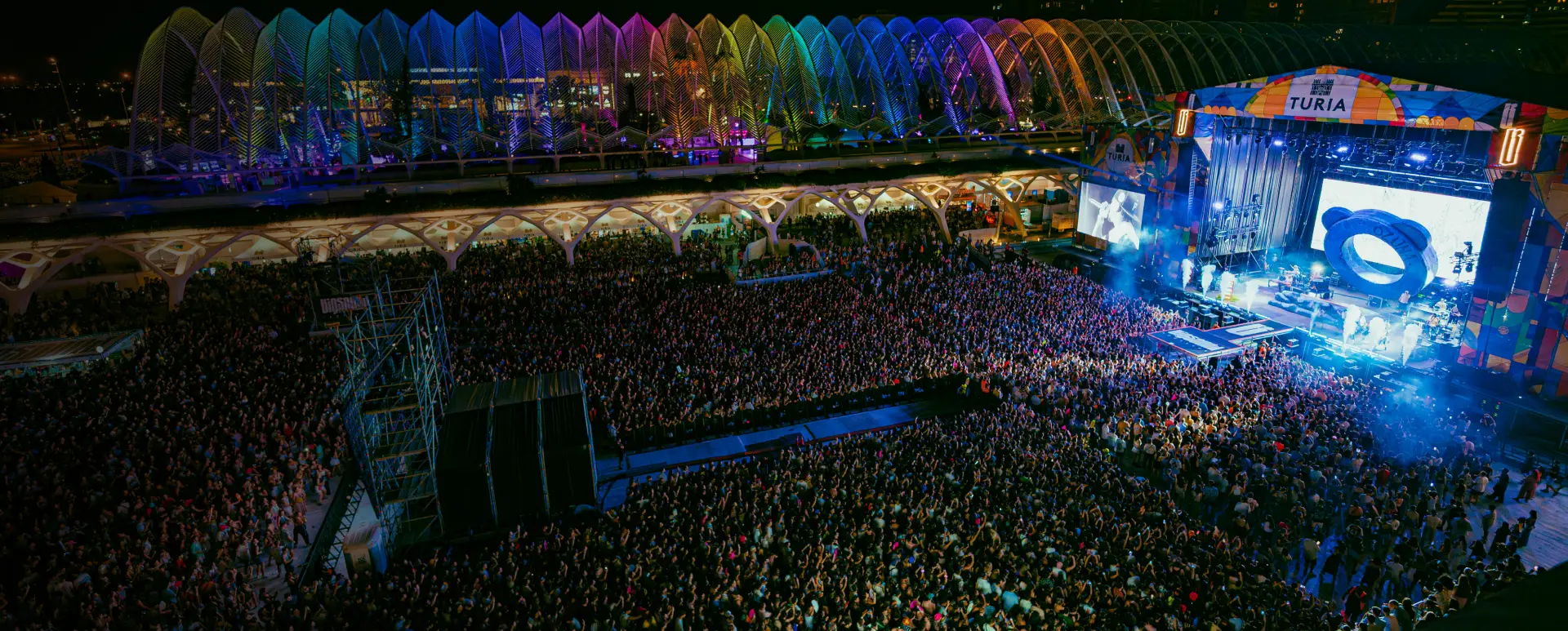
Discover what an event CRM is, how it works for festivals, concerts and venues, and why promoters who know their attendees sell faster. Includes multiple event management CRM use cases and ticketing integration.
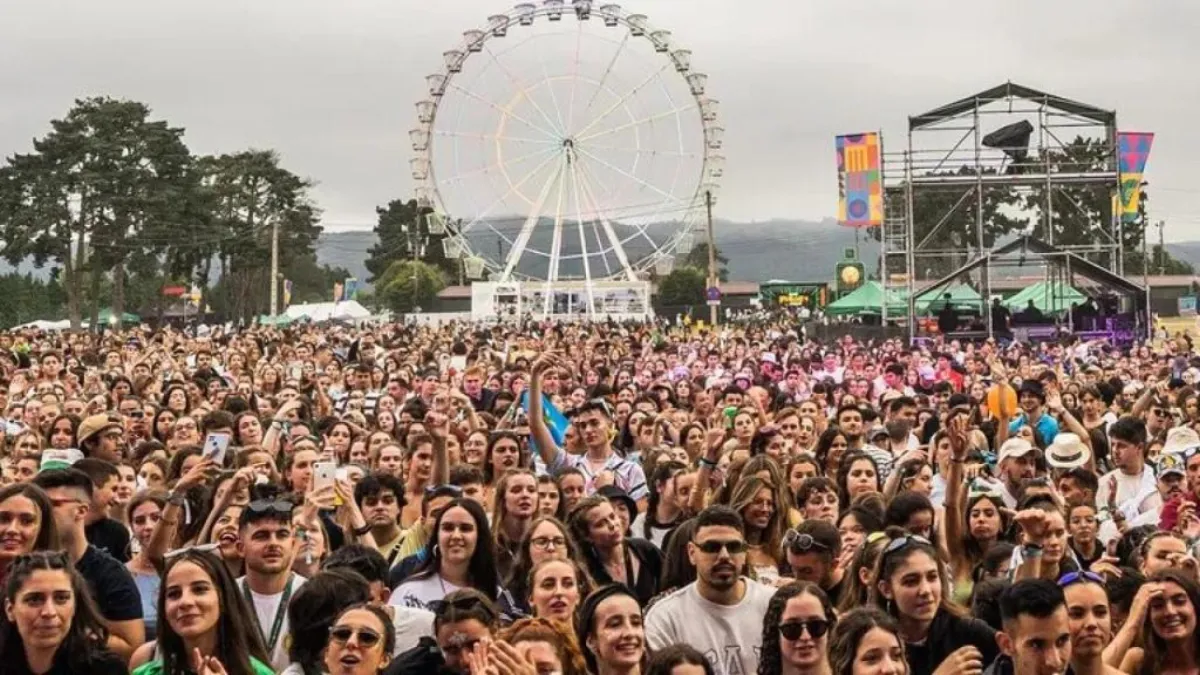
Sending the same email to your whole list is not segmentation. This guide presents the full audience segmentation framework for festivals: the 5 key segments, the data you already have, and the messages that convert in each case.
Learn how Nevent can take your events to the next level
Leave us your email and we will send you ideas, guides, and updates to get the most out of your marketing
Leaving?
We will email you the full audience segmentation guide for festivals and events. Free, no spam.